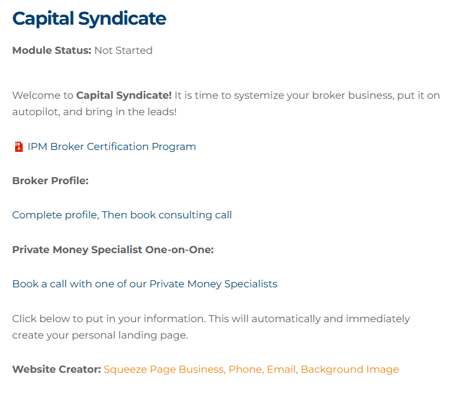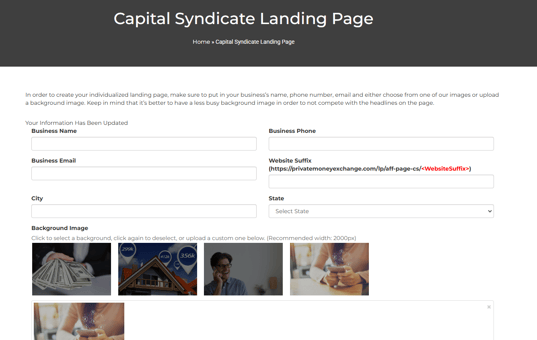
To add or update information on your Capital Syndicate Landing Page, please follow these steps:
- Access your account on the Cogo Nation Academy and Membership Site by logging in
- In Cogo Nation Academy, click on the "hamburger" icon (three lines in a circle) on the left side

- Select the "Broker" Key Vertical
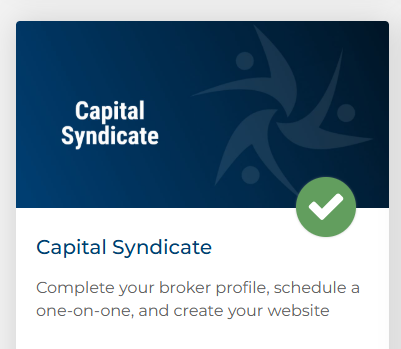
- Once in the Broker Vertical, find and click on "Capital Syndicate"
- You can configure and modify your Squeeze Page details in the section labeled "Website Creator"