
Skip to content
English
  • There are no suggestions because the search field is empty.

How do I access my Certified Mortgage Investor Back-Office? 

To find your Certified Mortgage Investor Resources, please follow these steps: 

  •  Go to https://cogonation.com/ 
  • Select the "Member Login" option located in the upper right corner of the page
    Screenshot 2025-02-19 160810
  • From your "MyCogo Dashboard," navigate to the Education section and select "Cogo Nation Academy and Membership Site"
     Screenshot 2025-02-19 160322-2
  • In Cogo Nation Academy, click on the "hamburger" icon (three lines in a circle) on the left side 

     Screenshot 2025-02-19 160709-1
  • Select the "Notes" Key Vertical

    Screenshot 2025-02-26 133055
  • Once in the Notes Vertical, find and click on "Certified Mortgage Investor Resources"
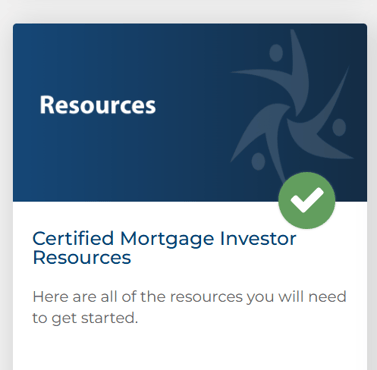
    Screenshot 2025-04-02 125127
Please note that you will not have access to your  Certified Mortgage Investor/RREO Resources, until you have successfully passed the Certified Mortgage Investor/RREO Exam. To find instructions for locating your Certified Mortgage Investor Exam, refer to the article linked here