Skip to content
English
  • There are no suggestions because the search field is empty.

How do I access my Private Money Broker Back-Office? 

To find your Private Money Broker Resources, please follow these steps: 

  •  Go to https://cogonation.com/ 
  • Select the "Member Login" option located in the upper right corner of the page
    Screenshot 2025-02-19 160810
  • From your "MyCogo Dashboard," navigate to the Education section and select "Cogo Nation Academy and Membership Site"
     Screenshot 2025-02-19 160322-2
  • In Cogo Nation Academy, click on the "hamburger" icon (three lines in a circle) on the left side 

     Screenshot 2025-02-19 160709-1
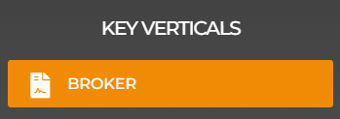
  • Select the "Broker" Key Vertical

    Screenshot 2025-02-26 132615
  • Once in the Broker Vertical, find and click on "Certified Broker Resources"
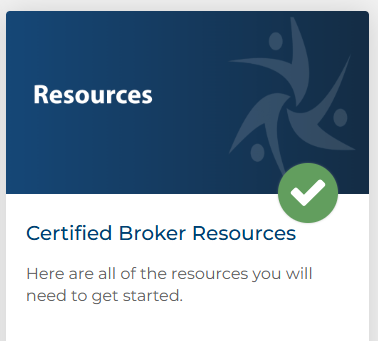
    Screenshot 2025-04-02 115434
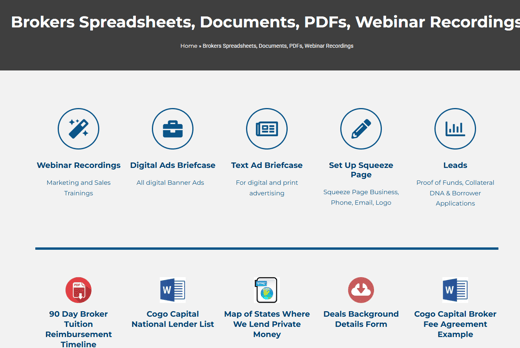
  • Welcome to your Broker Resources! 


Please note that you will not have access to your Certified Broker Resources until you have successfully passed the Private Money Broker Exam. To find instructions for locating your Private Money Broker Exam, refer to the article linked here