
To access the Dealio.Pro training recordings, please follow these steps:
- Access your account by logging into the Cogo Nation Academy and Membership Site
- In Cogo Nation Academy, click on the "hamburger" icon (three lines in a circle) on the left side

- Select the "Technology" Key Vertical

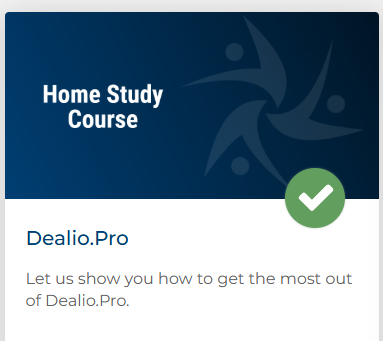
- Once in the Technology Vertical, find and click on "Dealio.Pro"
If you need assistance accessing your Membership Site refer to the article linked here
If you need assistance registering for the Tech Webinars refer to the article linked here