
To access your training recordings for the Certified Wholesale Specialist, please follow these steps:
- Go to https://cogonation.com/
- Click on the "Member Login" option located in the top right corner of the page
- From your "MyCogo Dashboard," navigate to the Education section and select "Cogo Nation Academy and Membership Site"

- In Cogo Nation Academy, click on the "hamburger" icon (three lines in a circle) on the left side

- Select the "Wholesale" Key Vertical

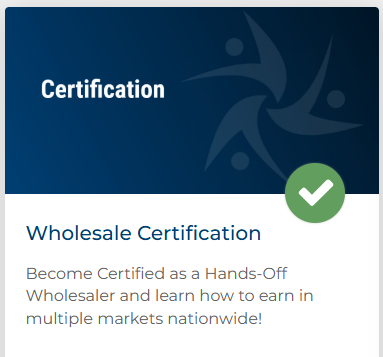
- Once in the Wholesale Vertical, find and click on "Wholesale Certification"
- You can find your recordings listed in the "Course Content" section.
Please note that if you are participating in the live event, the training videos will be accessible for viewing only after the live training session has ended.