To find your Lien Abatement Certification training recordings, please follow these steps:
- Go to https://cogonation.com/
- Select the "Member Login" option located in the upper right corner of the page
- From your "MyCogo Dashboard," navigate to the Education section and select "Cogo Nation Academy and Membership Site"

- In Cogo Nation Academy, click on the "hamburger" icon (three lines in a circle) on the left side

- Select the "Lien Abatement" Key Vertical

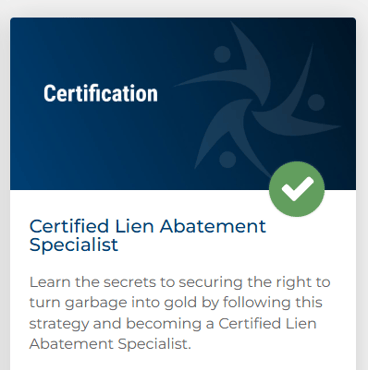
- Once in the Lien Abatement Vertical, find and click on "Certified Lien Abatement Specialist"
- Your training recordings can be found in the "Course Content" section