To begin building a lead list using Leadpipes in Dealio, please follow these steps:
- Access your account by logging into Dealio.Pro
- In Dealio.Pro, click on the "hamburger" icon (three lines) in the left corner
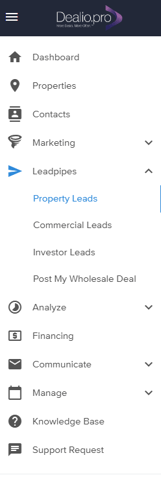
- Select "Leadpipes > Property Leads"
-
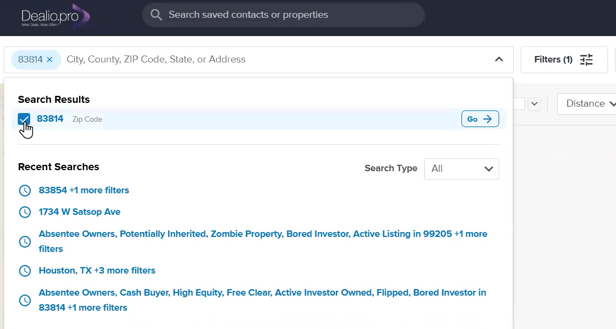
Enter a county, city, zip code, or specific property address in the "Where would you like to invest?" field
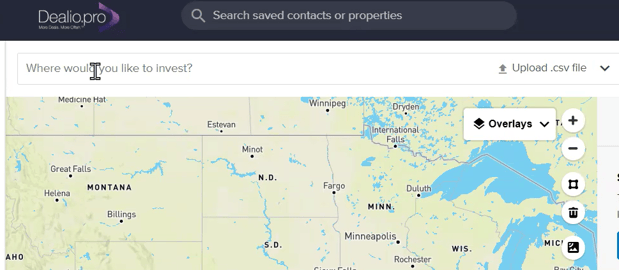
- After entering your location, a drop-down menu will appear and there you will check off the location of interest
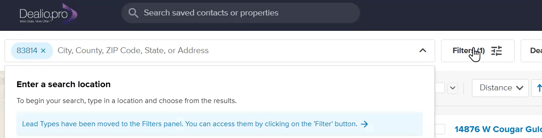
- Select the "Filters" button to further refine your search with the filters panel
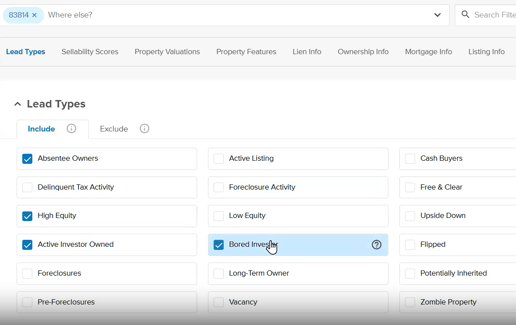
- Set your filters
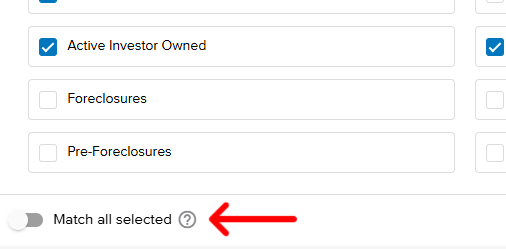
- After setting your filters, unselect "Match all selected"
- Click "See Results"
-
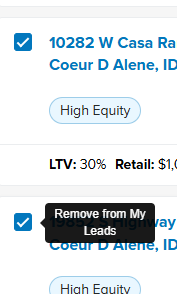
Once you have reviewed your results, select the checkboxes next to the properties you wish to include in your "Leads" list, and deselect them if you want to remove them
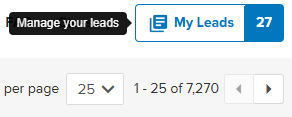
- You can manage your Leads by viewing them in the top right hand corner