
To find your LIC course and recordings, please follow these steps:
- Go to https://cogonation.com/
- Select the "Member Login" option located in the upper right corner of the page

- From your "MyCogo Dashboard," navigate to the Education section and select "Cogo Nation Academy and Membership Site"

- In Cogo Nation Academy, click on the "hamburger" icon (three lines in a circle) on the left side

- Select the "Lee's Inner Circle" Key Vertical

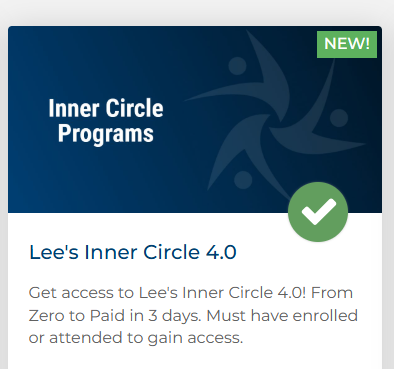
- Once in the Lee's Inner Circle Vertical, find and click on "Lee's Inner Circle"
Please note that if you are participating in the live event, the training videos will be accessible for viewing only after the training session has ended.