
To Skip Trace using Dealio.Pro, please follow these steps:
- Access your account by logging into Dealio.Pro
- In Dealio.Pro, click on the "hamburger" icon (three lines) in the left corner
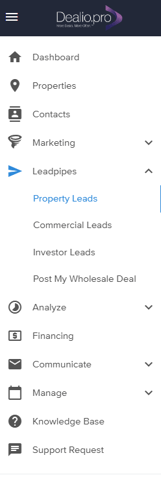
- Select "Leadpipes > Property Leads"

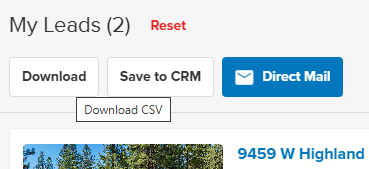
- Once in Leadpipes, find and click on "My Leads" in the right hand corner

- Click on "Download"
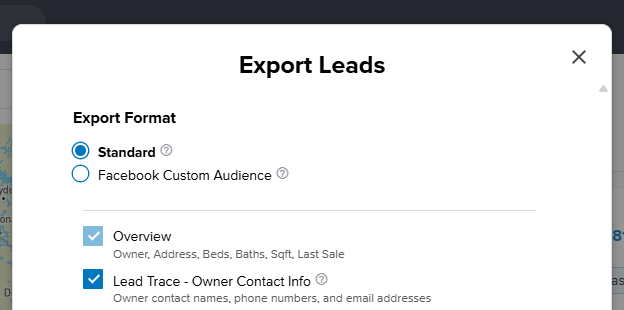
- Select the "Standard" Export Format, then click on "Lead Trace"
- Export your Leads
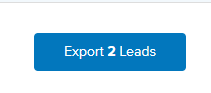
The Skip Trace will be exported as a CSV file and saved to your desktop