To add a card on SendFuse, please follow these steps:
- Access your account by logging into SendFuse
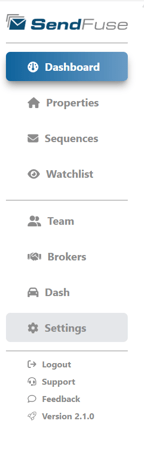
- In SendFuse, find and click on "Settings" on the left side
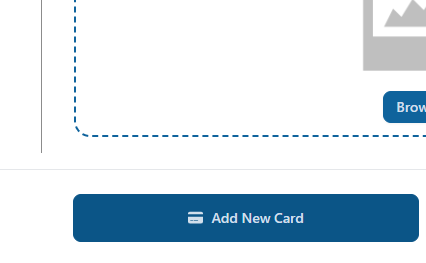
- Once in your Settings, scroll to the bottom of the page until you find "Add New Card"
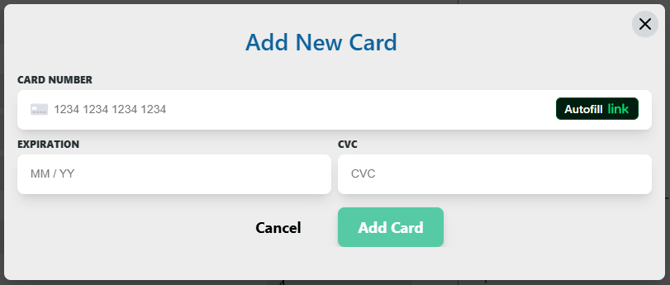
- Input your card information and click "Add Card"