
To retrieve your prepaid proof of funds letters, please follow these steps:
- Access your account by logging into the Cogo Nation Academy and Membership Site
- In Cogo Nation Academy, click on the "hamburger" icon (three lines in a circle) on the left side

- Select the "Tools" Key Vertical

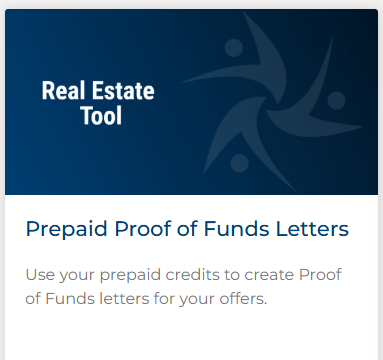
- Once in the Tools Vertical, find and click on "Prepaid Proof of Funds Letters"
If you have recently purchased a package, please wait approximately 10 minutes for the system to update, then refresh the page to access your letters